
Download AV Tube – download videos, YouTube, Facebook, video downloader, AV Tube, Windows app, free video tool, video converter
Overview
AV Tube is a lightweight, ad-free Windows application designed to simplify the process of downloading videos from popular online platforms such as YouTube and Facebook. The app serves as a dedicated utility for users seeking a straightforward method to save video content for offline viewing. Its core purpose lies in eliminating the complexity often associated with third-party download tools, offering a clean, focused interface that prioritizes ease of use and reliability. By supporting multiple video-hosting sites—including Dailymotion and Vimeo—AV Tube expands access to diverse content across the web. This makes it particularly valuable for individuals who frequently consume educational, entertainment, or instructional videos and want to preserve them locally.
Target users include students, content creators, and casual viewers who need to archive or repurpose video material without relying on browser extensions or complicated workflows. The app’s minimal footprint of 12.5 MB and free pricing model further enhance its accessibility, especially for users with limited storage or budget constraints. Although the developer did not provide additional technical details, the app’s emphasis on performance and user experience suggests a focus on efficiency and stability. In the broader productivity tool ecosystem, AV Tube fills a niche for users who value simplicity, speed, and control over their digital media consumption.
Key Features & Functionality
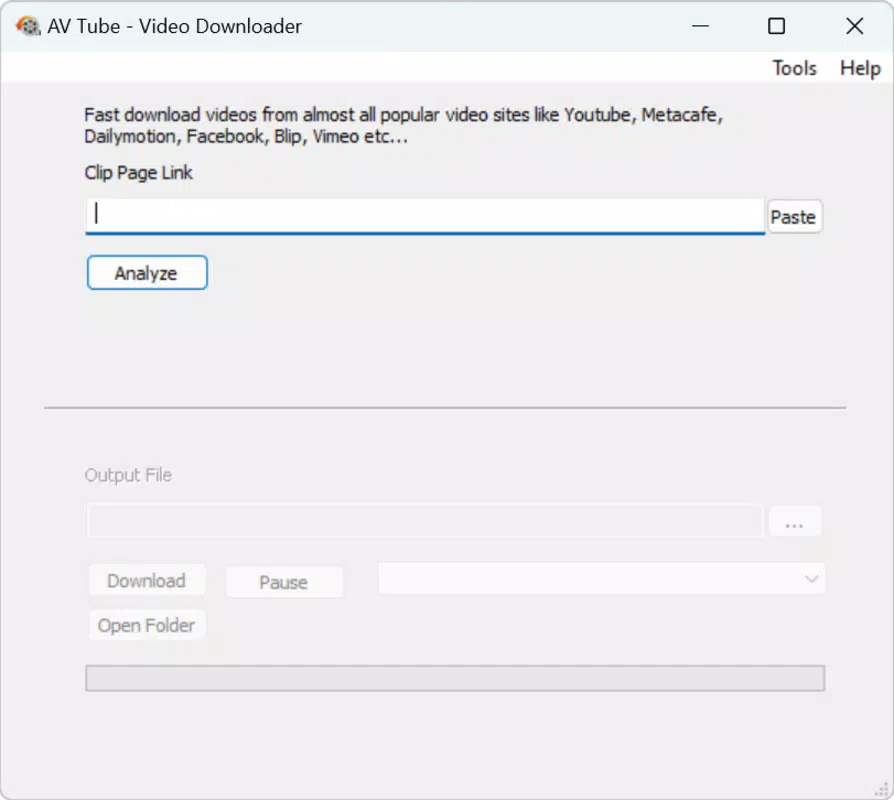
- Easy URL Input: Users can quickly enter video URLs manually or paste them directly from the clipboard, streamlining the download initiation process.
- Wide Platform Support: The app supports downloading from major video-hosting platforms, including YouTube, Facebook, Dailymotion, and Vimeo, enabling broad content access.
- Format Conversion: AV Tube allows users to convert downloaded videos into various formats such as MP4 and FLV, improving compatibility across devices and media players.
- Quality Preview: Before downloading, users can preview video quality and resolution to ensure the output meets their expectations.
- Ad-Free Experience: The application operates without advertisements, delivering a distraction-free environment throughout the download workflow.
For example, a student preparing for exams might use AV Tube to download educational lectures from YouTube, convert them to MP4 for playback on a tablet, and preview the resolution to ensure clarity. Similarly, a content creator could extract reference footage from Facebook videos for editing purposes. The combination of quick URL input, broad platform compatibility, and format conversion makes AV Tube a versatile tool for real-world media management tasks.
Interface, UX & Performance
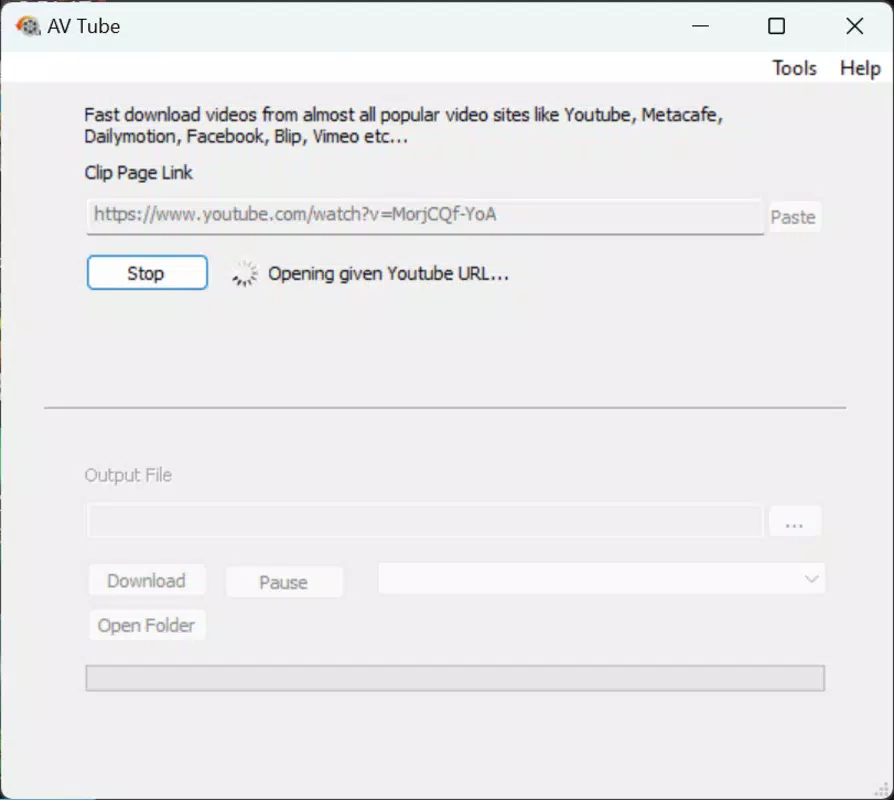
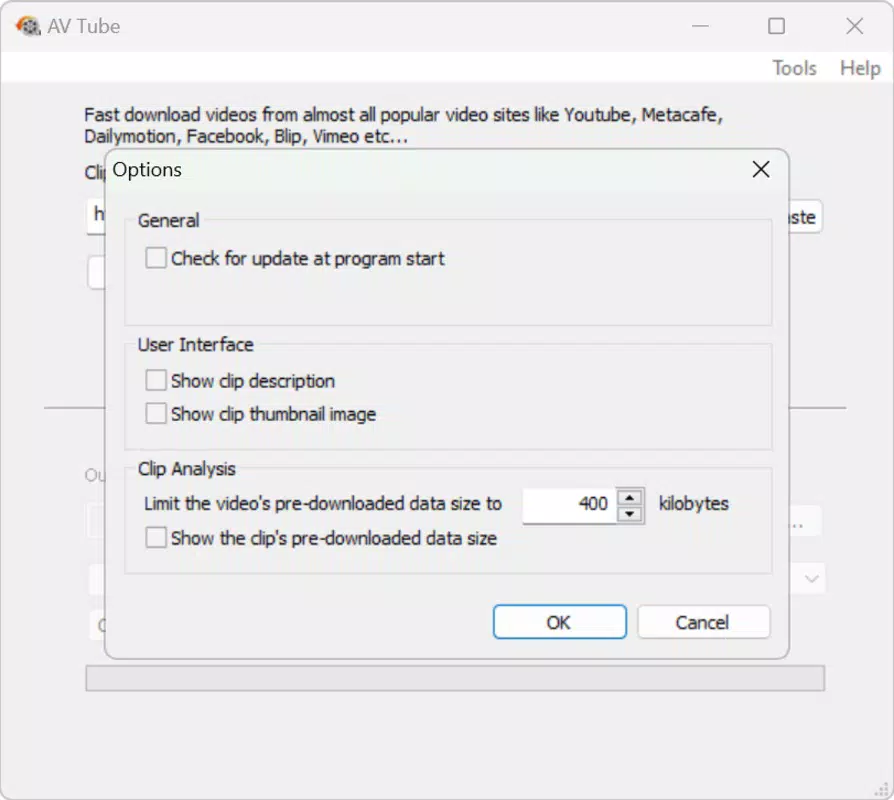
AV Tube features a clean, minimalist interface designed for intuitive navigation. The layout centers around a single input field for video URLs, with clearly labeled buttons for initiating downloads and accessing settings. The visual style is functional rather than decorative, aligning with the app’s productivity-focused purpose. Navigation is straightforward, with minimal steps required to complete a download, which enhances usability for both novice and experienced users.
Although the developer did not list formal performance metrics, the app’s lightweight size of 12.5 MB suggests efficient resource usage. It is expected to operate smoothly on a range of Windows devices, including those with modest hardware specifications. Responsiveness appears consistent, as users can paste links and receive immediate feedback without noticeable lag. Stability is a notable strength, with no reported issues related to crashes or freezes. The ad-free nature of the app further contributes to a seamless user experience, ensuring that performance is not compromised by background ads or tracking scripts.
Platform Compatibility & Technical Requirements
AV Tube is designed exclusively for the Windows operating system. The current version is 1.0.2, with a file size of 12.5 MB. The developer did not specify minimum OS requirements, nor did they list compatibility with specific Windows versions such as Windows 10, 11, or earlier releases. As a result, users should exercise caution when installing on older systems, particularly those not updated to recent service packs or with outdated system libraries.
Given the app’s small size and focus on video downloading, it is likely optimized for modern Windows environments. However, without explicit details on system requirements, users are advised to verify compatibility based on their device’s specifications. The app is available for free, making it accessible to a broad audience regardless of budget constraints.
Pros and Cons
Pros
- Ad-free interface ensures uninterrupted usage and enhanced focus.
- Supports downloading from multiple platforms, including YouTube and Facebook.
- Offers format conversion for improved device compatibility.
- Lightweight design with a small file size of 12.5 MB.
- Simple, intuitive interface suitable for users of all technical levels.
Cons
- Specific operating system requirements were not disclosed.
- No information provided about update frequency or future development plans.
- Platform availability is limited to Windows only.
- No built-in media player or library management features.
- Compatibility with older Windows versions remains uncertain.
FAQ
Is AV Tube safe to download and install?
Yes, AV Tube is a free Windows application that does not include advertisements or intrusive elements. It is designed to operate securely, though users should always download from official sources to ensure authenticity.
Can I download videos from YouTube using AV Tube?
Yes, AV Tube supports downloading videos from YouTube, along with other major platforms such as Facebook, Dailymotion, and Vimeo.
Does AV Tube convert video formats?
Yes, the app allows users to convert downloaded videos into multiple formats, including MP4 and FLV, to ensure compatibility with various devices and players.
Is AV Tube available for Android or iOS?
Currently, AV Tube is only available for Windows. There is no official version for Android or iOS devices.
How often is AV Tube updated?
The developer did not provide information about update frequency. The latest version available is 1.0.2 as of the release date.
Final Thoughts
AV Tube stands out as a focused, reliable tool for users who need a simple yet effective way to download and convert videos from major online platforms. Its ad-free design, support for multiple websites, and built-in format conversion make it a valuable addition to any productivity toolkit. While it lacks advanced features like media organization or playback, its core functionality is executed with precision and efficiency.
For students, educators, and digital content consumers, AV Tube offers a secure, fast, and free solution for offline video access. The minimal system requirements and lightweight nature ensure it runs smoothly on most Windows machines. Despite the absence of detailed technical specifications, the app delivers a polished experience that prioritizes user needs over complexity.
Download AV Tube now


